For multi-office dental groups

A patient called.Nobody called back.

Plya Dental OS lists every new inquiry from every office on one screen, with a first-call target of 5 business minutes. Callbacks sit in a queue with an assignee and a due time.

Book a 20-minute demo

20 minutes with Andrew Sinichar, who built it. Shown on a demo practice with sample patients.

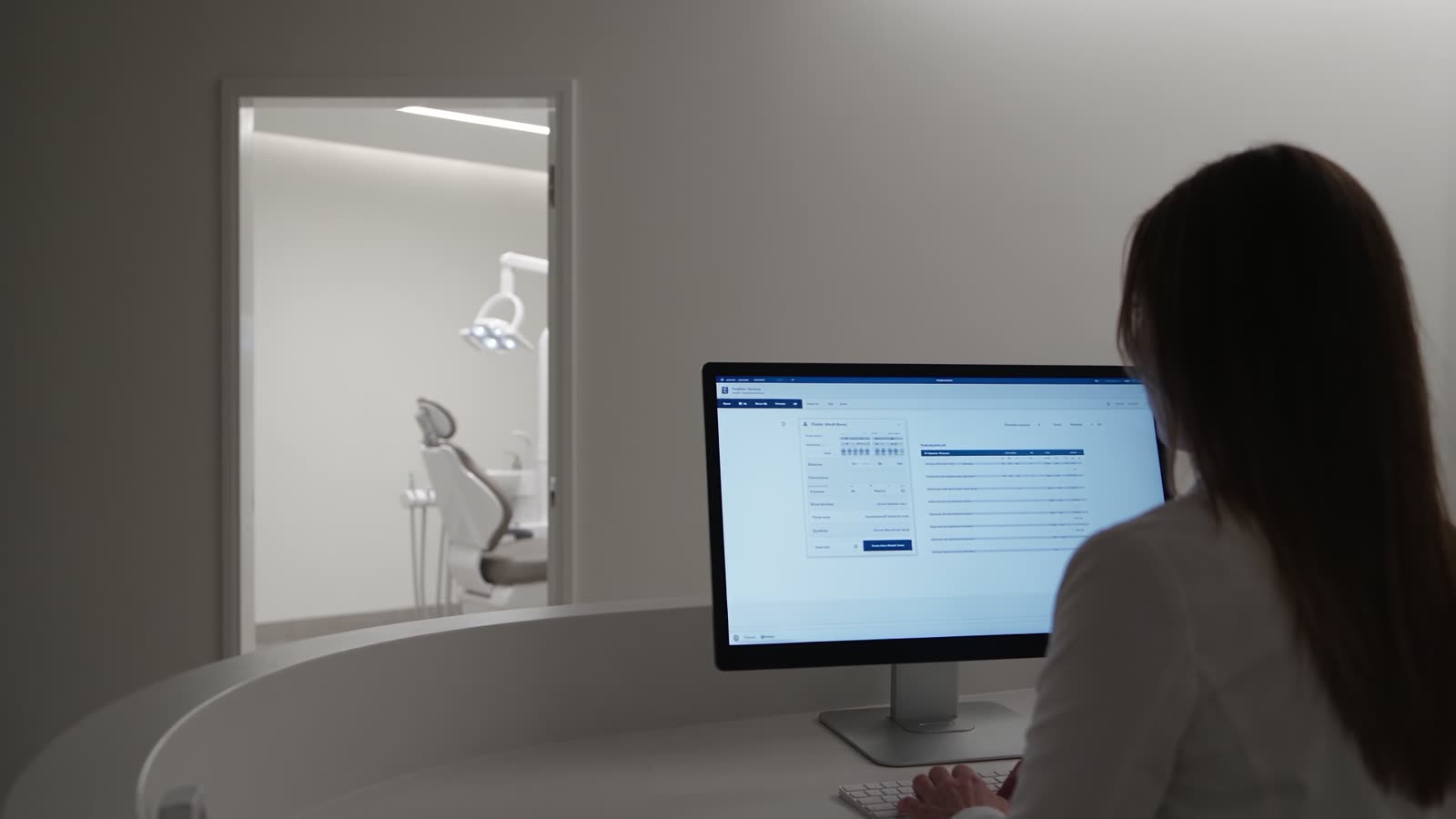
Every screenshot on this page is a real screen of the platform, running a synthetic demo workspace with sample patients. Click any screen to enlarge it.

Too many tabs, and still nobody knows who called her back.

A web form comes in at one office. A call goes to voicemail at another. An ad lead sits in a third place. By lunch your office manager has a screen full of tabs and still can't tell you which of those people got a call.

  • New inquiries arrive in different places, so there is no single list to work from.
  • A missed call belongs to nobody until someone remembers it.
  • You find out a lead was never called when the patient has already booked somewhere else.

Plya Dental OS puts those inquiries in one list, and puts callbacks in a queue with an assignee and a due time.

What you see on the demo

Every new inquiry, and where every lead stands

Every new inquiry from every office lands in one list, with its office, source and language. Leads then move across a board from New to Attempting contact, Connected and Ready to schedule. Each card shows how long it has been waiting.

  • Web forms, phone calls, Google Ads and Meta lead forms together, each tagged EN or ES
  • First-call target of 5 business minutes, with Call and Log call buttons
  • Drag a card to the next stage, with time-in-stage and first-contact timers on the cards
  • Booked and showed stages are verified from Open Dental. If they are not, the card says Staff-marked.

Missed calls go into a callback queue

See your inbound calls and your missed calls. Callbacks sit in a queue with an assignee and a due time.

  • Human answer rate and business-hours answer rate
  • Callback queue with assignee, due time and callback SLA
  • Call-quality reviews, plus a call-to-book rate verified by a linked Open Dental appointment

Which keywords bring in patients

Follow a Google Ads keyword to the leads and calls it produced, then to who booked and who showed. You see cost per lead, per booked patient and per showed patient.

  • Broken out per office
  • English and Español campaigns
  • Nothing about who booked or showed is sent to Google or Meta

Claims, denials and AR together

See your claims work queue, denials and AR aging in one place. Clearinghouse status, payer status and the Open Dental ledger sit side by side, and the screen flags when they disagree.

  • Denials with CARC code and appeal deadline
  • EOBs and reconciliation
  • Read-only against Open Dental

Also in the platform

  • Open Dental sync
  • Google Ads reporting
  • Meta Ads reporting
  • Search Console reporting
  • GA4 reporting
  • Phone-system call data
  • Website click heatmap
  • Daily SEO articles
  • Tasks and alerts
  • Staff performance
  • Finance view by office
  • Electronic claim submission Rolling out
  • Real-time insurance eligibility checks Rolling out
  • QuickBooks P&L by office Rolling out

Marketing

We can run the marketing, too.

We run your ads, listings and landing pages. Then Plya Dental OS follows each Google Ads keyword to the lead, the call, the booked visit and the patient who showed.

  1. We build your campaigns and pages

    Google, Microsoft, Meta and YouTube ads, Local Services Ads with Google, Bing and Apple listings, and landing pages in English and Spanish.

  2. Every inquiry lands in one list

    Web forms, phone calls, Google Ads and Meta lead forms come in together, each tagged EN or ES, with a first-call target of 5 business minutes.

  3. Each keyword is followed to the chair

    Each Google Ads keyword is followed to who booked and who showed, with cost per lead, per booked patient and per showed patient, office by office. Nothing about who booked or showed is sent to Google or Meta.

  4. You approve every change

    A morning report shows spend, good calls and cost per good call by office, and what we'd change. You approve every change before it happens.

A good call is an ad call over 80 seconds. Ad spend is separate from our fee.

Security

Nobody can edit the audit log. Admins included.

The platform holds patient data, so its audit log is append-only and hash-chained. Nobody can edit or delete an entry, including admins.

  • Two-factor sign-in
  • Each user sees only the offices they are given access to
  • A BAA is signed before any patient data moves, and the BAA register lives in the app

Built for a multi-office dental group, and used by one.

Plya Dental OS was built for a multi-office dental group. That group uses it. The demo runs on a demo practice with sample patients.

“I built Plya Dental OS for a multi-office dental group, and I run the demo myself on a demo practice with sample patients. Bring your hardest question about your leads, your calls or your claims.”

Andrew Sinichar, founder of Plya

Start with a 20-minute demo

  • Book a 20-minute demo

    Andrew walks you through the platform on a demo practice with sample patients.

  • Sign a BAA

    It is signed before any patient data moves.

  • Connect Open Dental and set access by office

    The platform syncs with Open Dental, and each user gets access to their own offices.

Book your demo

Pick a time. See it on a demo practice.

On the demo you will:

  • See every new inquiry with its office, source, language and the 5 business minute first-call target
  • See the callback queue, with its assignee and due time columns
  • Follow a Google Ads keyword through to booked and showed patients
  • See the revenue cycle screen flag where the clearinghouse, the payer and Open Dental disagree

Your host is Andrew Sinichar, founder of Plya. He built the platform and he runs the demo.

Book on Andrew's calendar

The booking page opens in a new tab. Pick a time that works for you and your office manager.

Book a 20-minute demo

Common questions

Does this replace Open Dental?

No. Plya Dental OS syncs with Open Dental. The revenue cycle screens are read-only against it.

We use other practice software. Will it work?

The platform syncs with Open Dental. That is the only practice software we list. If you run something else, ask about it on the demo.

Do you sign a BAA?

Yes. A BAA is signed before any patient data moves, and the app keeps a BAA register. The platform also has two-factor sign-in, per-office user access, and an audit log that nobody can edit or delete, including admins.

What about our Google and Meta ad accounts?

The platform reports on Google Ads and Meta Ads, along with Search Console and GA4. Nothing about who booked or showed is sent to Google or Meta. Ask about your own accounts on the demo.

What does it cost?

Andrew gives you the price on the demo call.

See every new inquiry on one screen.

20 minutes with Andrew Sinichar, who built it, on a demo practice with sample patients.

Book a 20-minute demo

Swipe sideways to see more.

Book a 20-minute demo